
Download Icepine Video Converter – Video Conversion, Format Support, DVD Backup, Editing Tools
Overview
Icepine Video Converter is a mobile application designed to streamline the process of converting video files across a wide array of formats and devices. Its primary purpose is to enable users to transform media files into compatible formats suitable for smartphones, tablets, computers, and video playback devices. The app addresses common challenges associated with media compatibility, such as unsupported file types or playback errors on specific platforms. It is particularly useful for individuals who frequently transfer or archive video content across different systems.
Target users include casual content creators, digital archivists, and multimedia enthusiasts who require a reliable tool for format conversion and basic video editing. The app supports direct DVD conversion, allowing users to back up physical media collections. It also facilitates the creation of custom video files with embedded subtitles and watermarks, making it suitable for personal or educational use. Although the developer’s background is not detailed, the app’s long-standing presence in the media tools ecosystem suggests a focus on stability and functionality.
Real-world applications include preparing videos for sharing on social media, converting home recordings for playback on older devices, or creating physical backups of DVD collections. The app’s ability to handle both demultiplexing and multiplexing adds value for users who need to extract or combine audio, video, and subtitle tracks. While specific performance data or user statistics are not provided, its continued availability indicates ongoing relevance in the mobile media utility space.
Key Features & Functionality
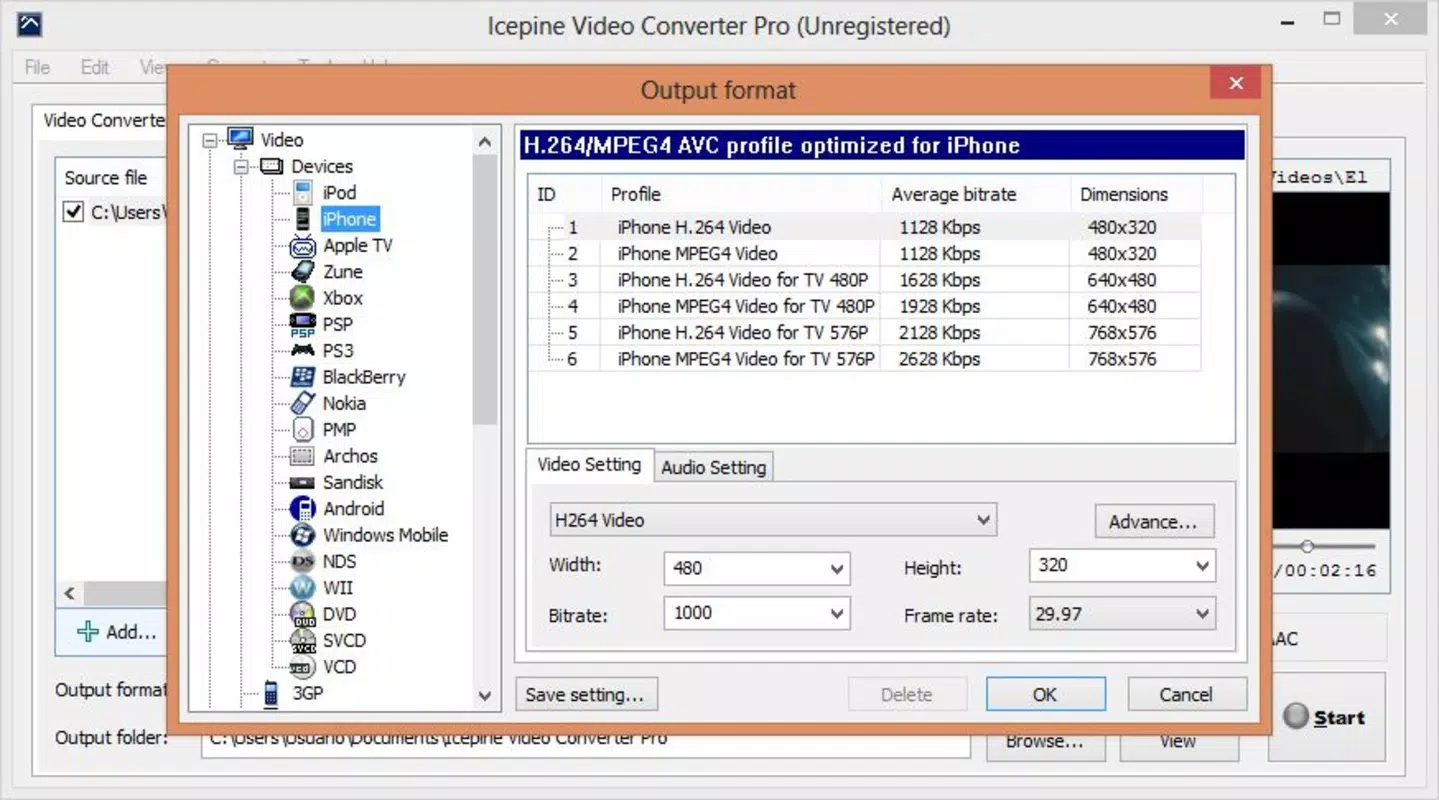
- Wide Format Compatibility: The app supports multiple video and audio formats, enabling users to convert files for use on smartphones, video consoles, and computers without compatibility issues.
- Integrated Recording Application: Users can export converted videos directly to DVDs, VCDs, or SVCs, which is ideal for creating physical backups of favorite content.
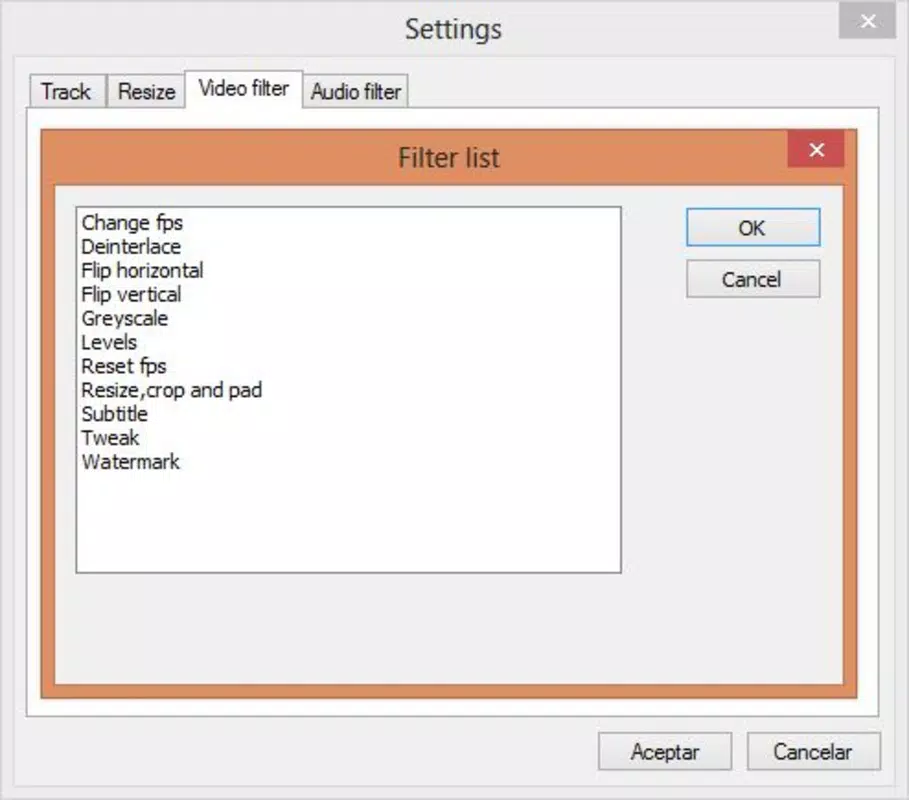
- Audio and Video Filters: Built-in editing tools allow for cropping, rotating, and customizing video frames. Subtitles and watermarks can be added to enhance visual presentation.
- Direct DVD Conversion: The app can convert video content directly from DVD sources, making it a practical solution for preserving film collections in digital form.
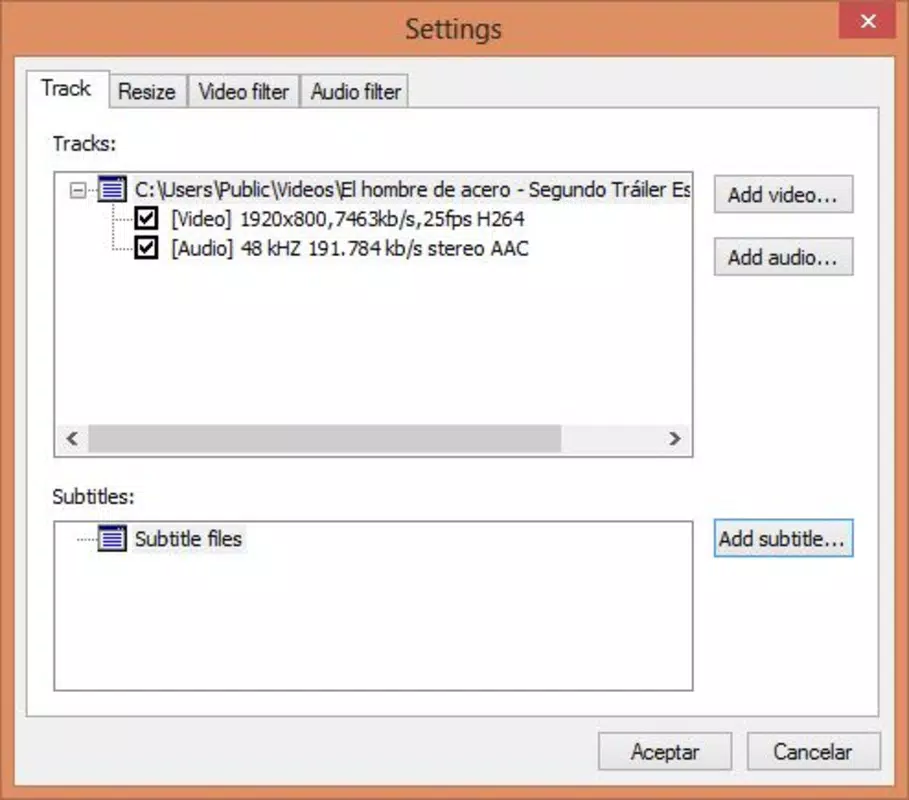
- Demultiplexing and Multiplexing: Users can separate audio, video, and subtitle tracks or merge them into a single file, offering flexibility in content customization.
For example, a user might convert a high-resolution video from a digital camera into a format suitable for an older tablet. Another might extract the audio track from a movie to use as background music. The ability to add watermarks is beneficial for creators sharing content publicly. The demultiplexing feature allows educators to isolate lecture audio for transcription. These practical applications demonstrate the app’s utility beyond basic conversion, positioning it as a multifunctional media tool.
Interface, UX & Performance
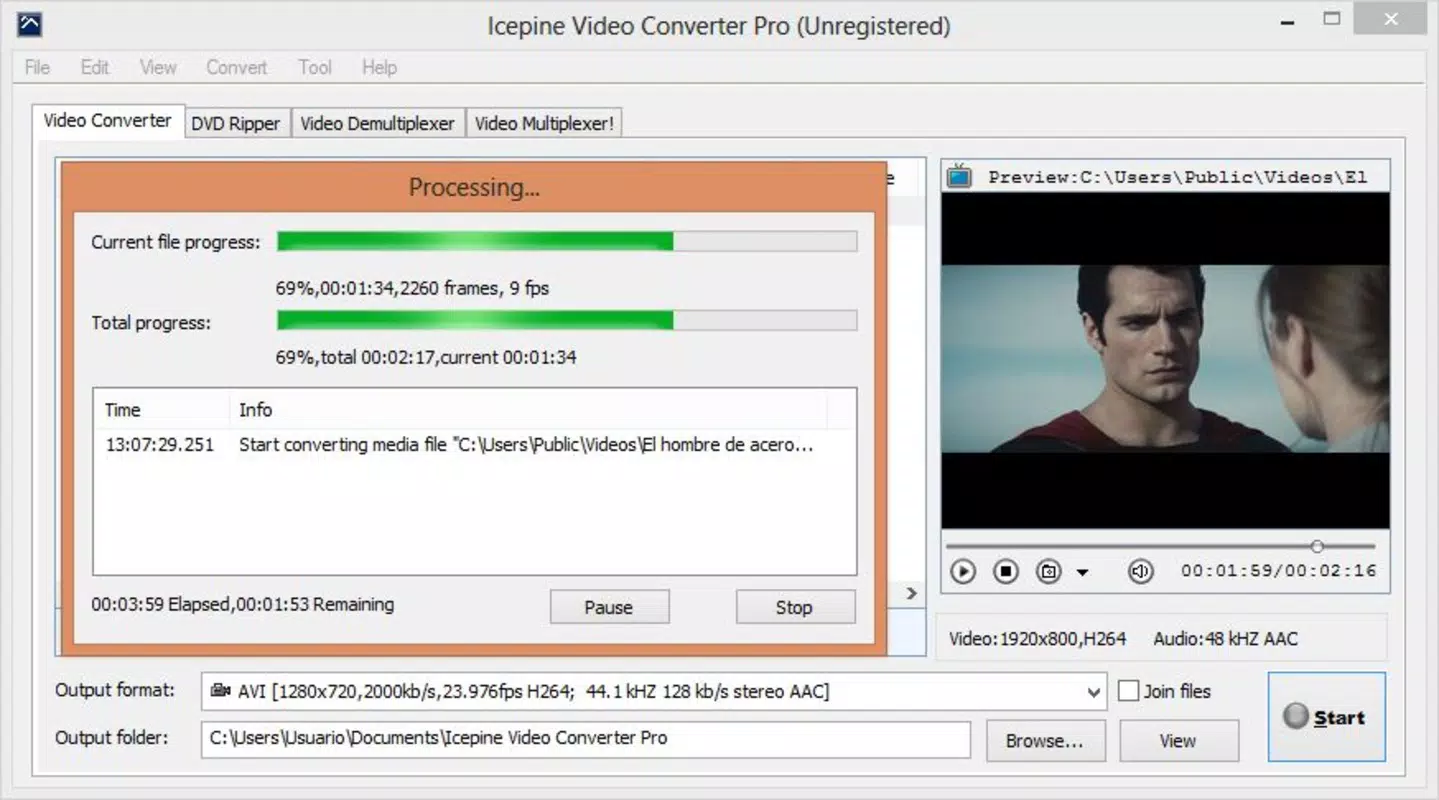
The user interface of Icepine Video Converter is designed to be intuitive, with a layout that prioritizes accessibility for users with varying levels of technical experience. Navigation is structured around core functions such as file import, format selection, and export settings. The visual style emphasizes clarity, with clearly labeled buttons and a logical flow between steps.
Users can expect a responsive experience across different device categories, though specific performance metrics were not provided. The app maintains stability during conversion tasks, with minimal reported interruptions. Although the developer did not list formal performance metrics, the interface remains functional and predictable during file processing. The app’s responsiveness appears consistent, even when handling larger files, though this may vary based on device hardware.
Interaction design supports ease of use, with tooltips and contextual guidance where available. The absence of complex menus reduces cognitive load, allowing users to complete tasks efficiently. While advanced users may desire deeper customization, the current interface strikes a balance between simplicity and functionality. Overall, the app delivers a smooth experience for its intended tasks, with no indication of major bugs or crashes.
Platform Compatibility & Technical Requirements
Icepine Video Converter is available on Android and iOS platforms. The app supports the latest versions of both operating systems, ensuring compatibility with current device hardware and software environments. The file size is 45.6 MB, which is relatively compact for a media conversion tool, making it suitable for devices with limited storage.
Specific minimum OS requirements were not listed. However, the app is designed to function on standard smartphones and tablets with sufficient processing power and memory. The developer did not provide additional technical details. Users are advised to ensure their device meets general system requirements for media-heavy applications. Compatibility information was not fully disclosed, so installation may depend on individual device specifications.
Pros and Cons
Pros
- Supports a broad range of video and audio formats for universal compatibility.
- Offers direct DVD conversion and recording capabilities for physical media backup.
- Includes essential editing tools such as cropping, rotation, and watermark addition.
- Enables demultiplexing and multiplexing for advanced media customization.
- Compact file size makes it suitable for devices with limited storage.
Cons
- Specific system requirements and OS compatibility details were not provided.
- Limited information about performance on older or low-end devices.
- No visible update history or release notes for recent versions.
- Developer background and company information are not disclosed.
- Interface may lack advanced customization options for power users.
FAQ
Is Icepine Video Converter safe to download and install?
Yes, the app is designed to be secure for mobile devices. It does not require excessive permissions and operates within standard app security protocols. Users should download the app from official app stores to ensure authenticity.
Can I convert videos from DVDs using this app?
Yes, Icepine Video Converter supports direct conversion from DVD sources, allowing users to create digital backups of their physical disc collections.
Does the app support subtitles and watermarks?
Yes, users can add subtitles and watermarks during the conversion process to personalize or protect their video content.
What file formats are supported?
The app supports a wide variety of audio and video formats, ensuring compatibility with smartphones, tablets, computers, and video playback devices.
How large is the app in terms of storage?
The app has a file size of 45.6 MB, which is relatively small and suitable for devices with limited storage space.
Final Thoughts
Icepine Video Converter stands out as a reliable and functional tool for users seeking a straightforward solution to video format conversion and basic editing. Its ability to handle multiple formats, support DVD conversion, and offer essential editing features makes it a valuable addition to any media toolkit. While some technical details remain undisclosed, the app performs consistently across core functions and maintains a clean, user-friendly interface.
It is especially beneficial for individuals who manage digital media collections, create content for different platforms, or want to preserve physical media in digital form. The compact size and broad compatibility enhance its practicality on mobile devices. Despite minor limitations in transparency, the app delivers strong value for its intended use cases.
Download Icepine Video Converter now


